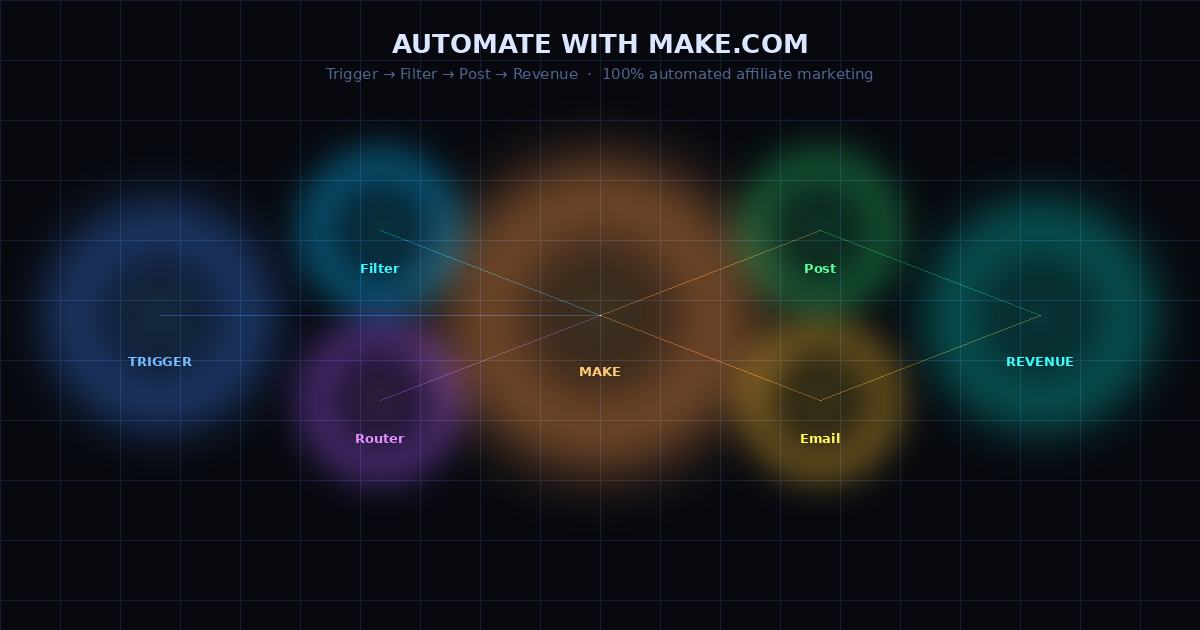
The goal of affiliate marketing is passive income — money coming in while you sleep. Most people build a system that requires daily manual work and call it passive. This is how to actually automate the grind parts: research, content creation drafts, social scheduling, and lead follow-up — using Make.com and AI, on a budget that costs less than a takeaway coffee per day.
Why Make.com is the right tool for affiliate automation
Make.com connects your apps together into automated workflows. You build visually — drag modules onto a canvas, connect them with arrows, set conditions and loops. No coding required.
It's more powerful than Zapier at the same price point and more accessible than n8n (which requires self-hosting). The free plan gives 1,000 operations per month — sufficient for 5–8 daily automations at low volume. The Core plan at $10.59/month handles a full-time content business.
The reason Make.com is the right choice for affiliate marketers specifically: it handles branching logic. Affiliate workflows often need conditions — "if the subscriber came from TikTok, tag them as visual learner; if they came from Reddit, tag them as reader." Zapier cannot do this without premium plans. Make.com does it natively on the free tier.
The 3-automation stack for affiliate marketers
Automation 1: daily content research briefing
This replaces the 30–45 minutes most affiliate marketers spend scrolling Reddit, X, and Google Trends looking for content ideas. Build it once and it runs every morning automatically.
How it works:
- Schedule trigger: runs at 7am daily
- RSS Feed module: pulls the top 20 posts from 3 subreddits in your niche
- HTTP module (Claude API): prompt = "Here are today's top Reddit posts in [niche]. Identify the top trending topic and write a 100-word content brief including: the topic, why it's trending, the best angle for an affiliate content creator, and one specific piece of advice I can give."
- Gmail module: send the Claude output to your email with subject "📋 Content brief — [today's date]"
Build time: 45–60 minutes. Daily time saved: 35 minutes.
Automation 2: blog draft pipeline triggered by content calendar
When you move a topic from "idea" to "approved" in a Notion content calendar, this automation writes the first draft.
How it works:
- Notion trigger: watches your "Blog posts" database for status change to "Approved"
- HTTP module (Claude API — outline): "Write a detailed outline for a 2,000-word blog post about [topic] targeting beginners who want to make money online. Include H2 and H3 headings, one FAQ section with 4 questions, and one 'honest take' box."
- HTTP module (Claude API — draft): "Expand this outline into a full 2,000-word blog post. Voice: direct, personal (use 'I'), specific numbers, no fluff." Pass the outline output as context.
- Google Docs module: create a new Google Doc titled "[topic] — DRAFT" and paste the content
- Slack module: post "✍️ New draft ready: [topic]" to your #content-drafts channel
Build time: 90 minutes. Time saved per post: 90–120 minutes of writing time reduced to a 20-minute editing pass.
Automation 3: lead capture and email sequence routing
When someone opts in to your lead magnet, this automation routes them to the right email sequence based on where they came from — and tags them in your email platform for segmentation.
How it works:
- Webhook trigger: Systeme.io sends a webhook when a new subscriber opts in
- Router module: checks the source URL in the webhook payload
- Branch A (TikTok source): add "visual-learner" tag → enrol in TikTok sequence
- Branch B (Pinterest source): add "passive-reader" tag → enrol in long-form email sequence
- Branch C (Google/SEO source): add "seo-traffic" tag → enrol in detailed educational sequence
- Google Sheets module: log subscriber details, source, and timestamp
This tells you which traffic source converts best and routes each subscriber into the email sequence most likely to resonate with their behaviour. Over 3 months, this data is enormously valuable for knowing where to focus your content efforts.
Step-by-step: setting up your first Make.com scenario
Day 1: sign up and explore
Sign up for Make.com free plan — no credit card required. Spend 30 minutes clicking through the interface. Look at the template library (Templates tab) — search "affiliate" and "content" to see pre-built scenarios you can modify.
Day 2: build the content research automation first
Start here because it's the simplest: one trigger, one HTTP call, one email. You'll understand the core pattern — trigger → process → output — without complexity. Once this runs successfully, every subsequent scenario is a variation on this pattern.
For the Claude API call, you need an Anthropic API key. Sign up at console.anthropic.com — Claude 4 Haiku costs $0.25 per million input tokens. A daily research brief uses approximately 2,000 tokens. Monthly cost: less than $1.
Day 3–7: add the blog draft pipeline
This scenario is more complex because it has two sequential API calls (outline → draft) and requires passing the output of one step into the next. In Make.com, you do this by clicking the variable bubble from the previous module's output and inserting it into your prompt. Make.com calls these "dynamic variables" — once you understand this concept, building complex multi-step AI workflows becomes easy.
What to connect Make.com to for an affiliate marketing stack
The most useful Make.com connections for affiliate marketers:
- Systeme.io — lead capture, email sequences, tagging (via webhook)
- Claude / GPT-5 API — content generation at every step
- Google Sheets — logging all subscriber and revenue data
- Gmail — daily briefings and notifications to yourself
- Notion — content calendar trigger
- Buffer or Metricool — social post scheduling
- RSS feeds — monitoring Reddit, Hacker News, industry blogs for trends
All of these have native Make.com modules — no code, just drag and configure. The Systeme.io and Claude connections use webhooks and HTTP modules respectively, which require one extra configuration step, but Make.com's documentation covers both in under 10 minutes.
Get the Make.com scenario templates
The free starter kit includes the exact Make.com scenario blueprints we use — import them directly into your account and adjust the prompts and connections to your niche. No building from scratch.
Get free access now →